Theme features
Everything Vesper can do, and how to set it up.
Vesper is an editorial Ghost theme for magazines about evening culture: cinema, music, stage, exhibitions and late tables. A newspaper masthead in a fine italic serif, strong DM Serif headlines, a cassis and topaze palette, and a sunset line that runs through every page.
Here is what the theme does and how to set it up. Everything is available out of the box, without code.
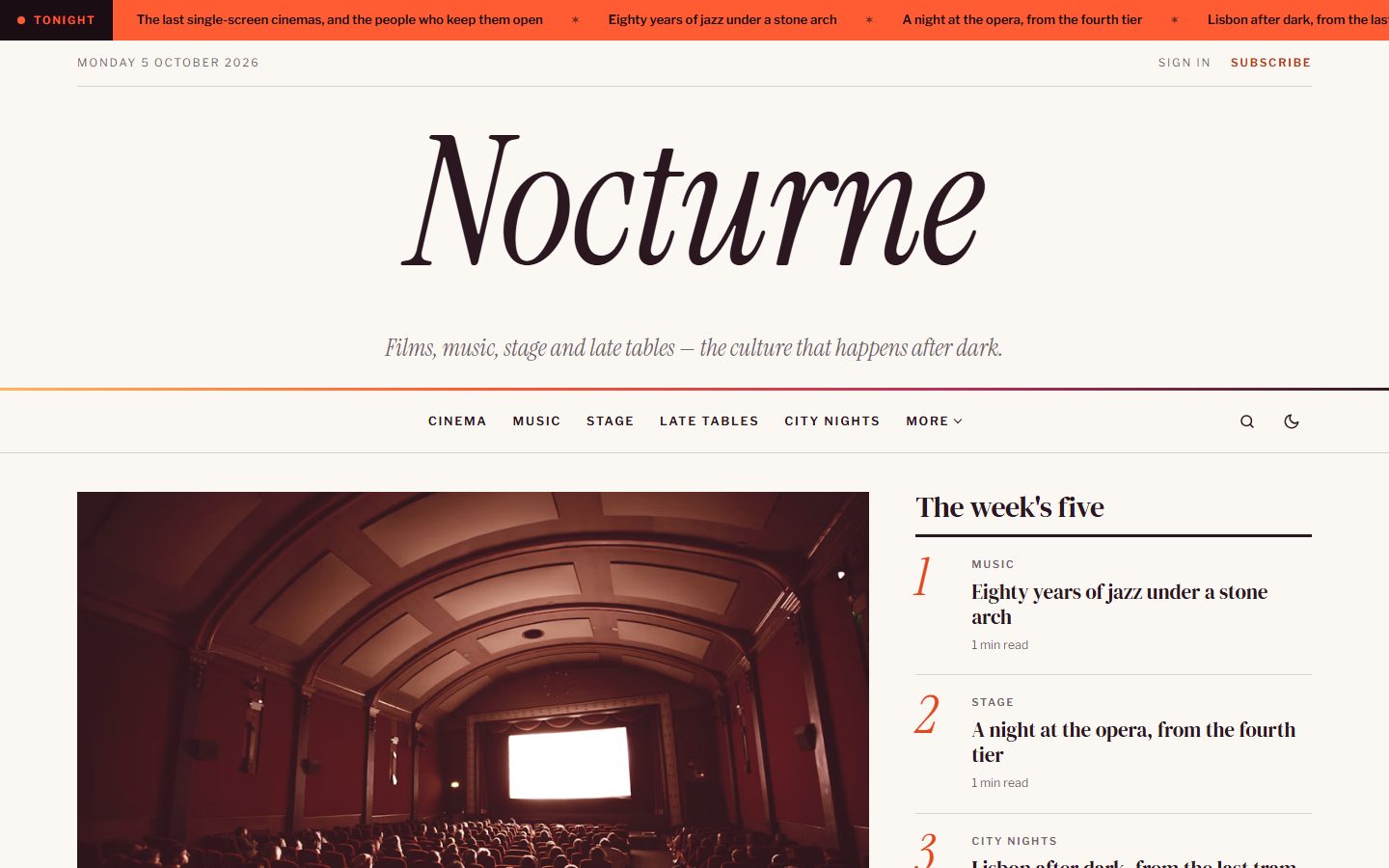
A real masthead
Your publication's name is set very large in Instrument Serif italic, with the date and the sign-in links above it and a sunset line underneath. Long titles shrink to fit on one line. As soon as the masthead scrolls away, a small version appears in the sticky navigation bar. A scrolling band of your latest headlines can sit on top, with a label of your choice.
The cover story and the top five
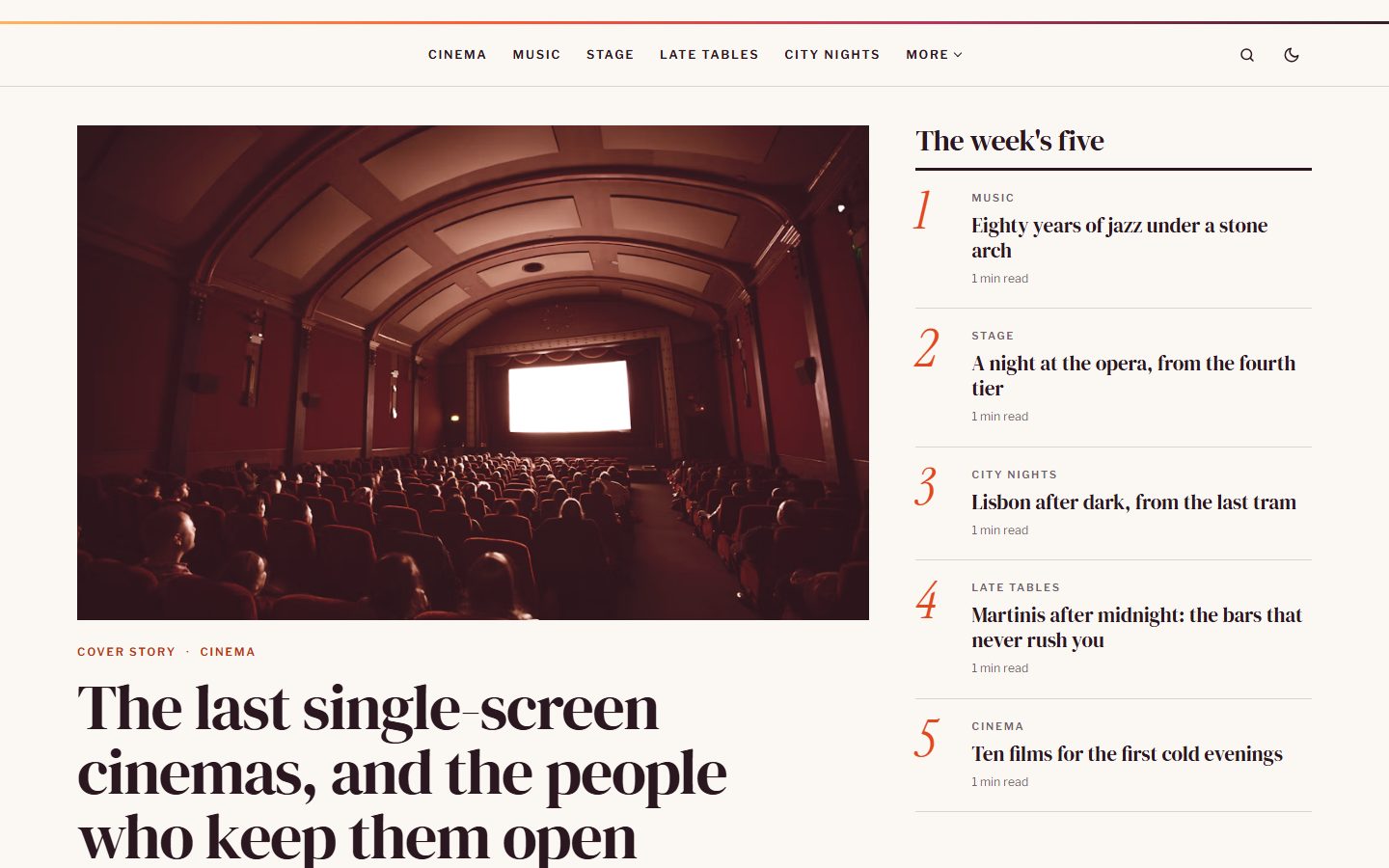
Mark a post as Featured and the most recent one becomes the cover story. Next to it, a numbered top five lists the posts you tag with the internal tag #ranking; without it, the theme shows your latest posts. The heading is yours to change.
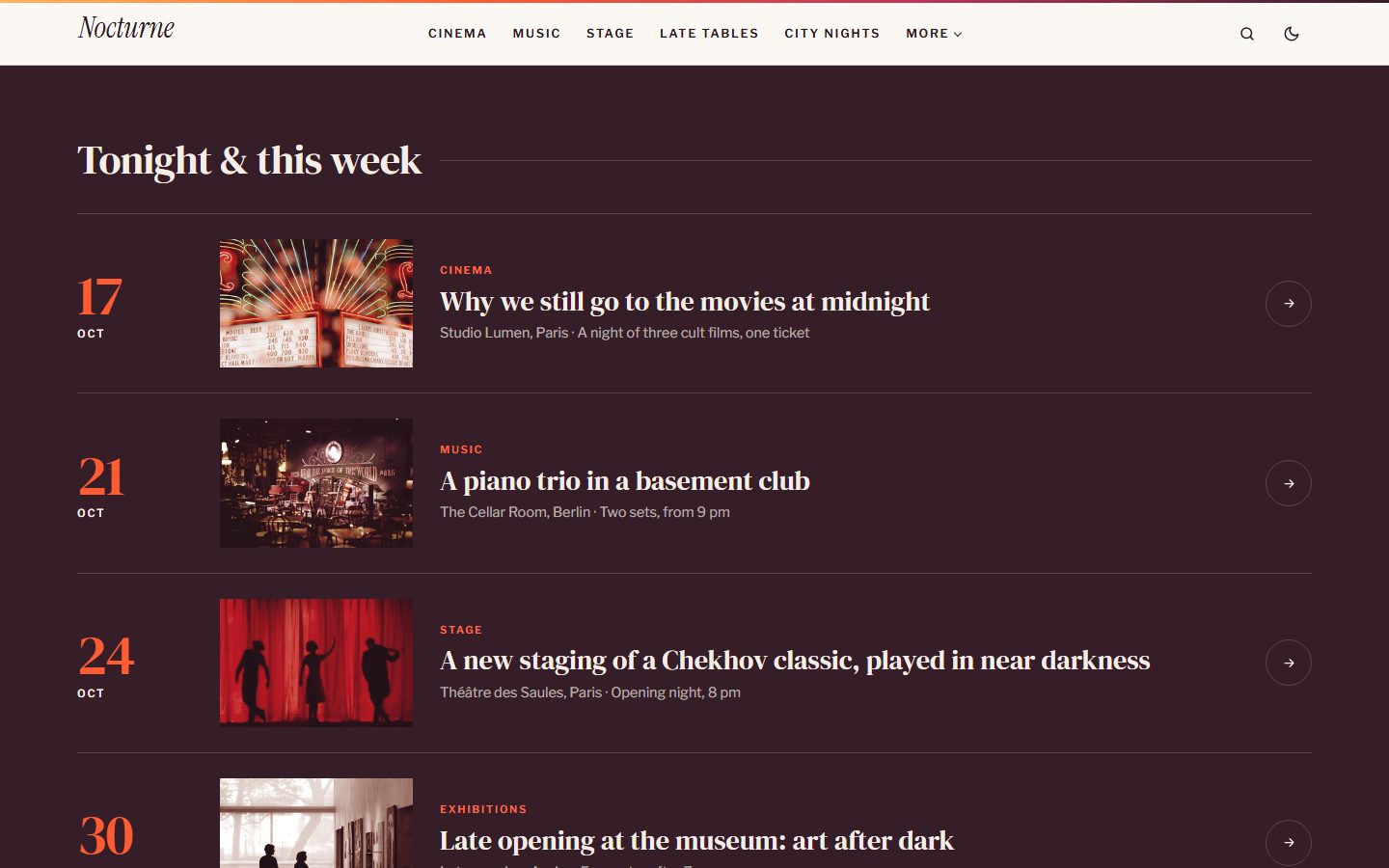
An agenda with big dates
Tag a post with #agenda and start its excerpt with the date of the event, then a dash and the venue: 18 Oct — Théâtre des Saules, Paris. The date appears in large topaze figures, the venue underneath. Ideal for screenings, concerts, openings and premieres.
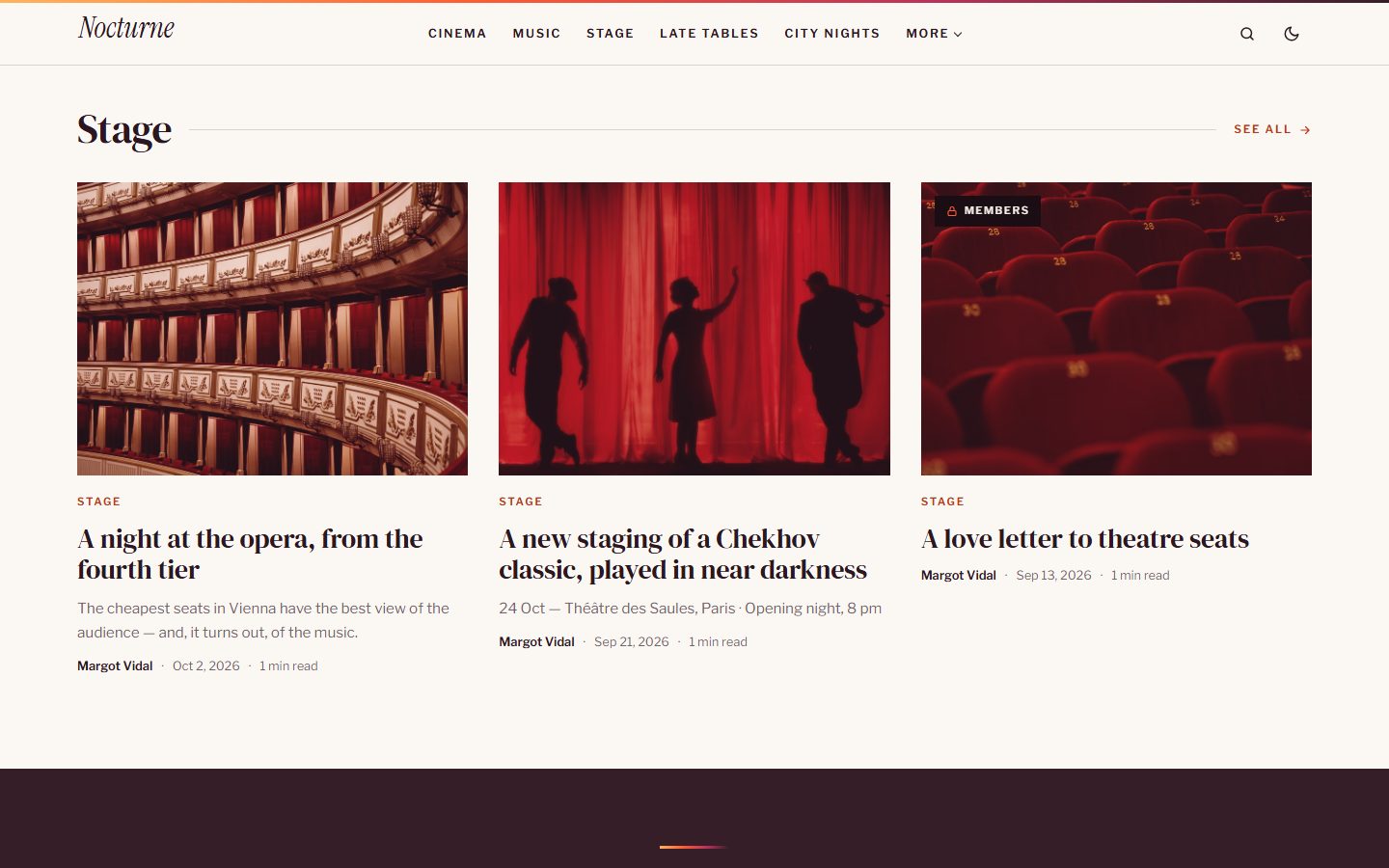
One topic in three columns
Choose a tag in the settings, cinema for example, and its three latest stories appear in three columns with a link to the whole topic.
A quote, full width
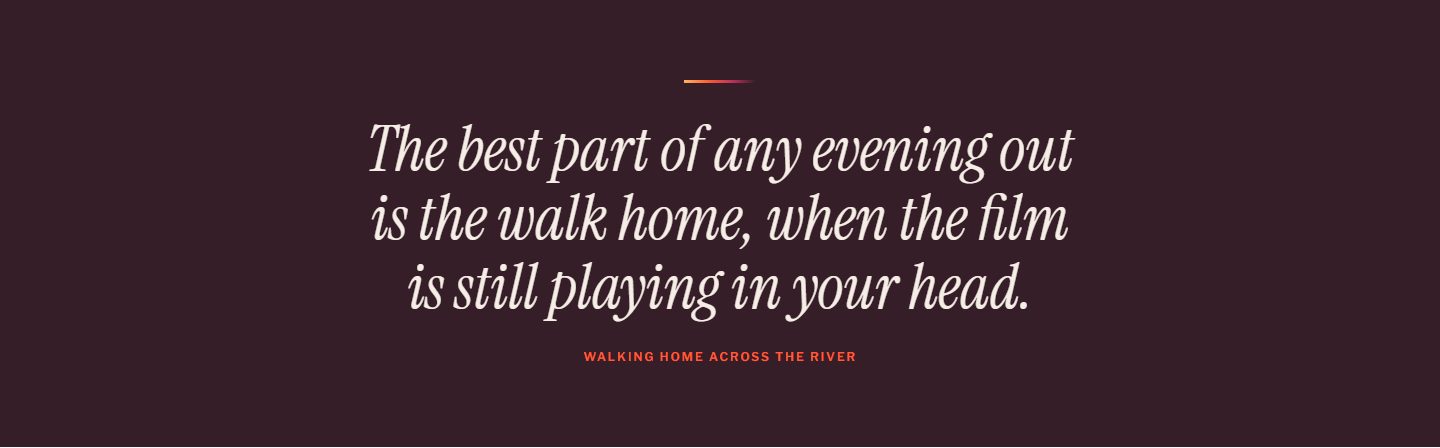
Tag a post with #quote and its excerpt becomes a large italic quote on an inverted band, linked to the story it comes from.
Duotone images
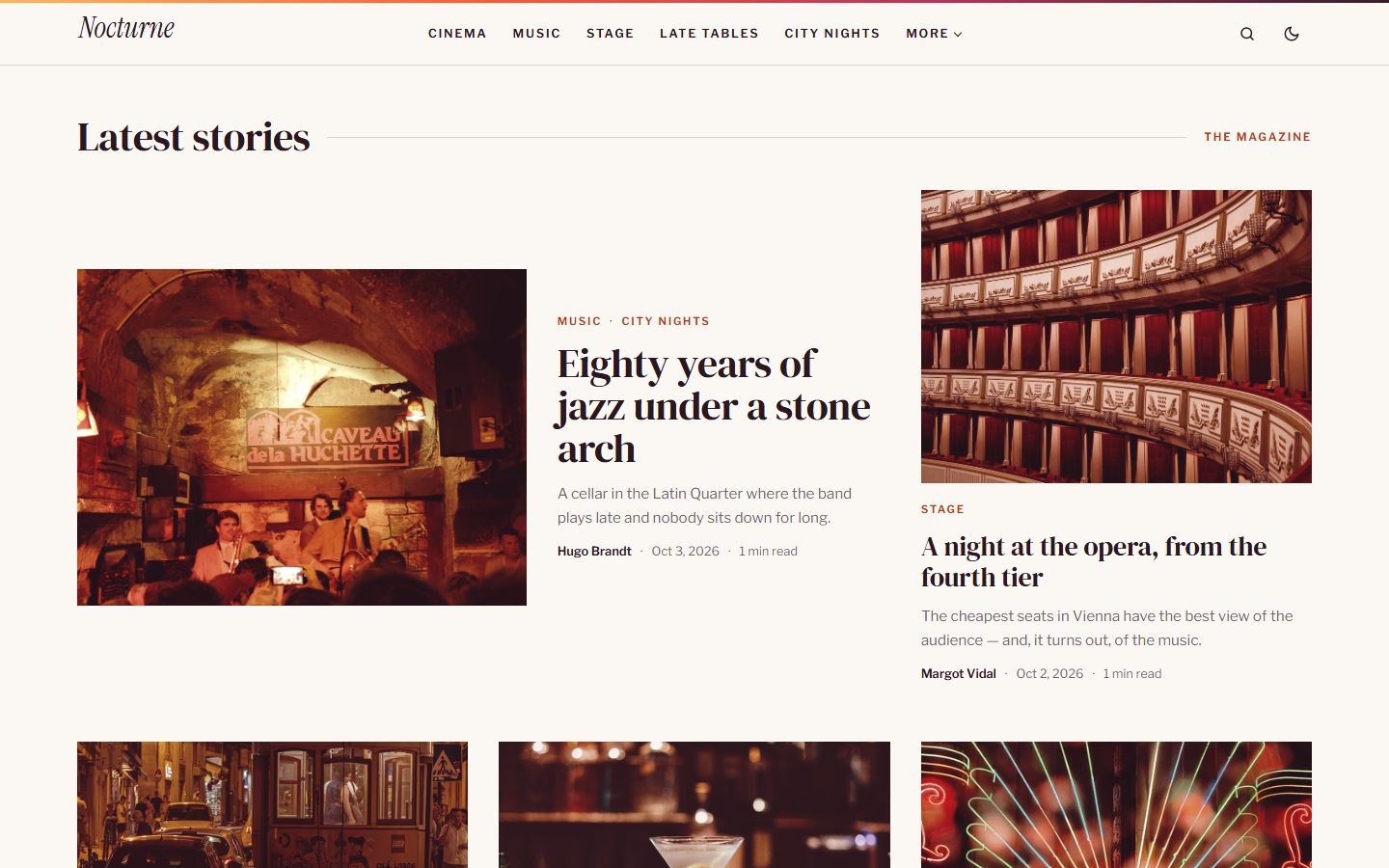
Story images get a light cassis and topaze tint that warms the whole page, and their full colors come back when the reader points at them. The latest stories follow an editorial rhythm, with one wide story at the start of every page and a Load more button. Prefer natural colors? Switch duotone off in one click.
Long reads, beautifully set
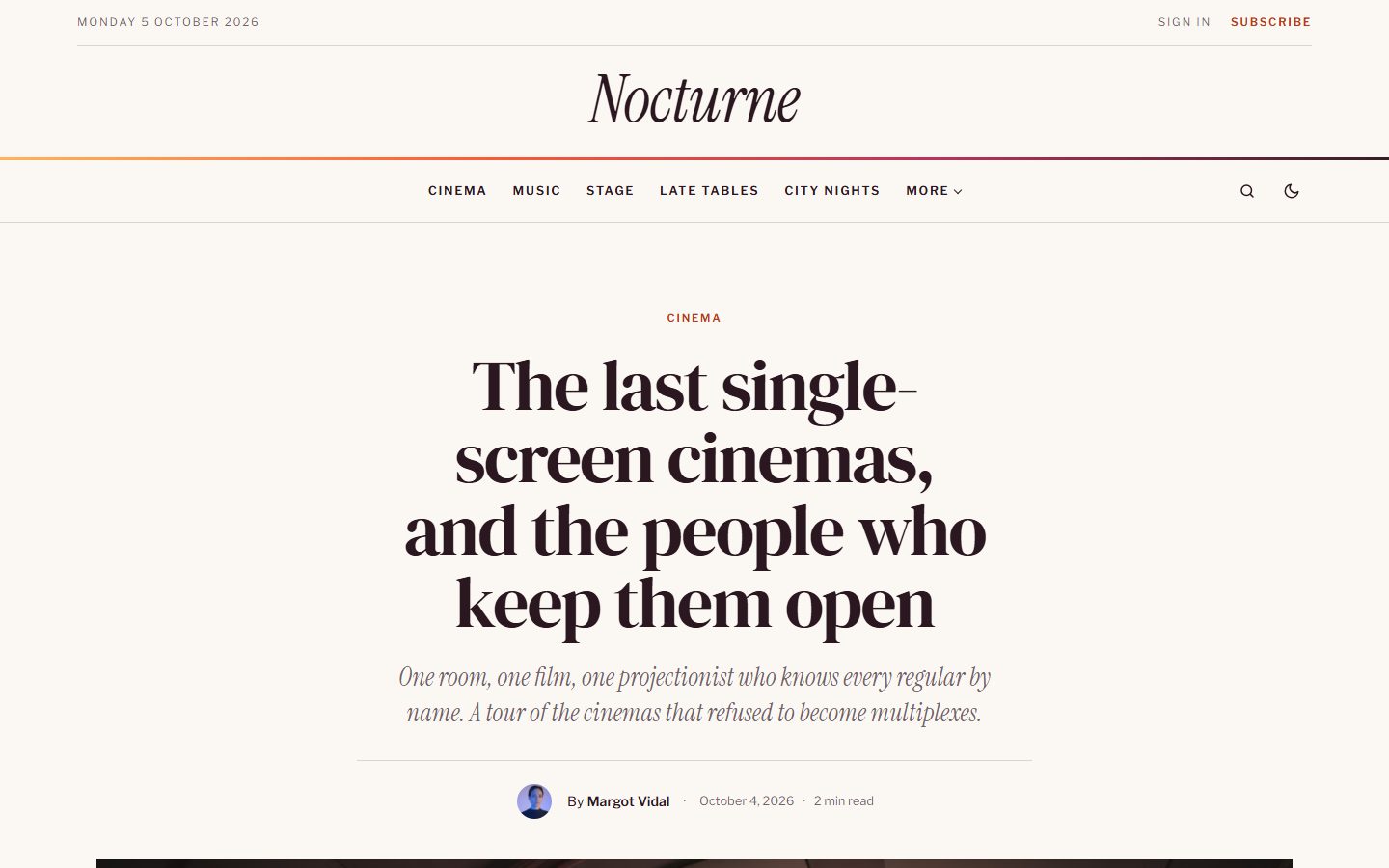
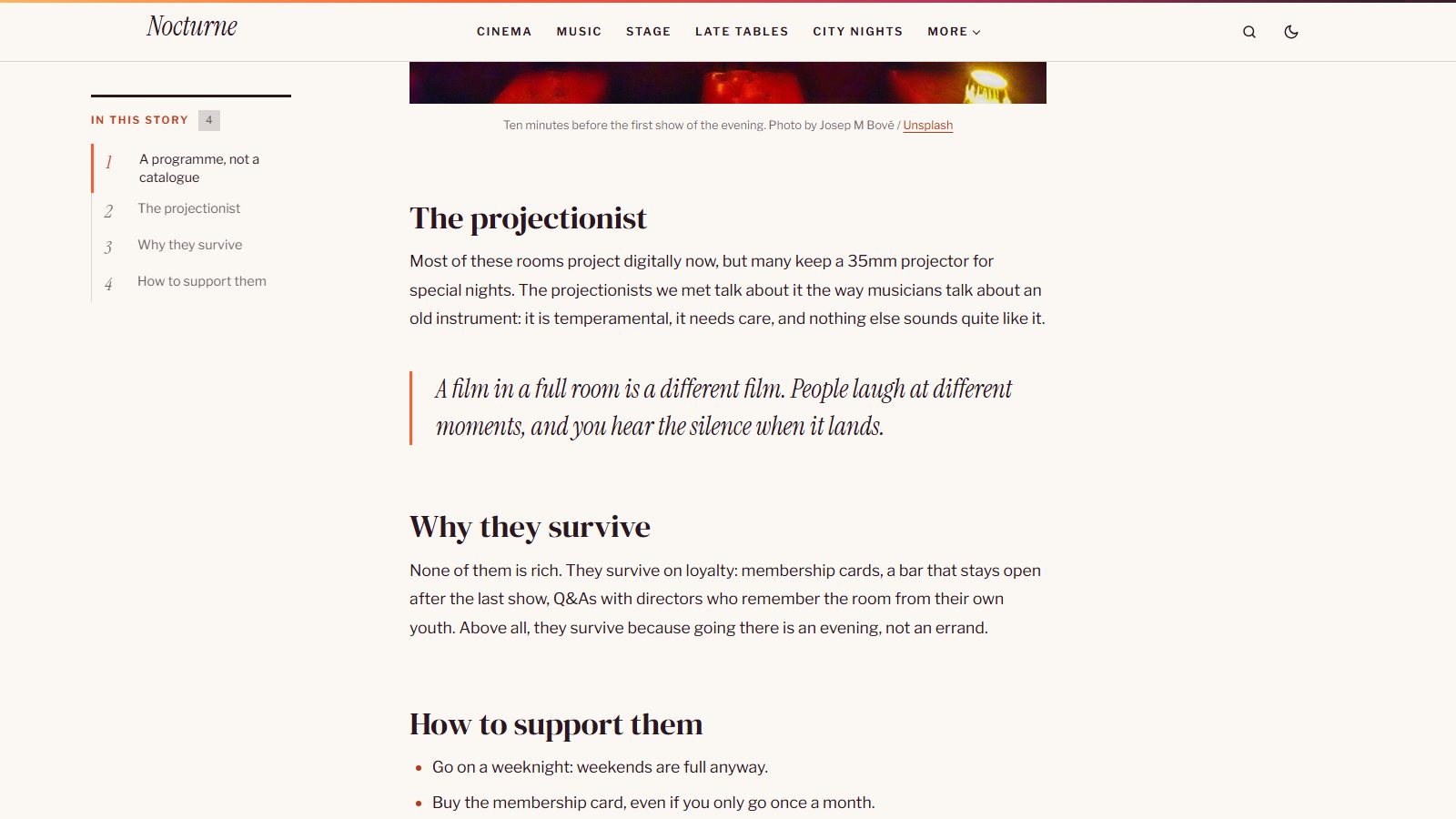
Articles open with a centered DM Serif title, an italic standfirst and a topaze drop cap. Long stories get a table of contents that follows the reader, and a reading progress bar in the colors of the sunset.
Covers for topics and authors
Tag and author pages open with a cover. Without an image, the cover becomes a sunset gradient with the name as a giant outline. Chips underneath let readers jump to another topic or writer.
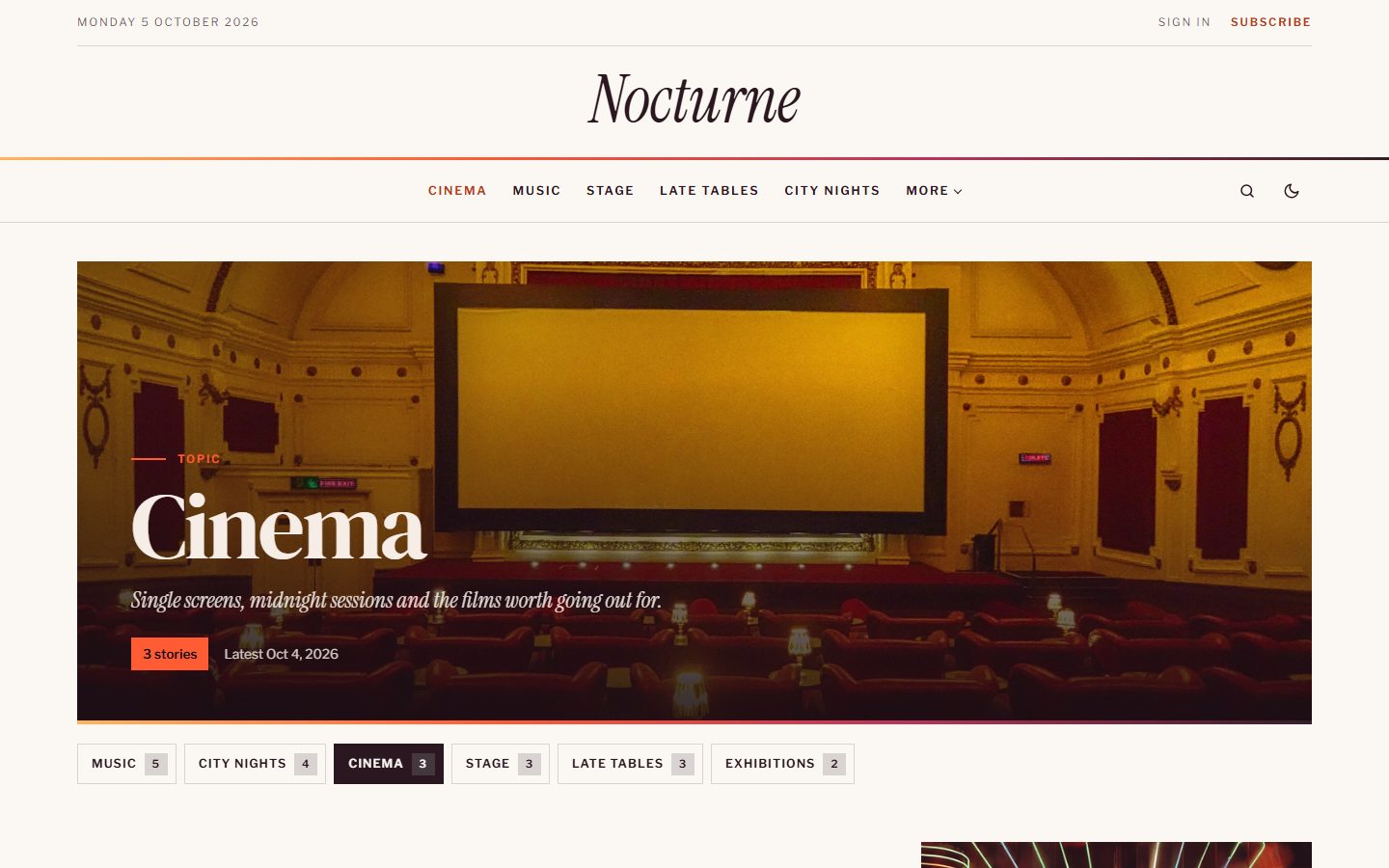
A newsletter at sunset
Every page ends with a full-width cassis band and a striped sun setting in the corner. Heading and text are yours to choose.
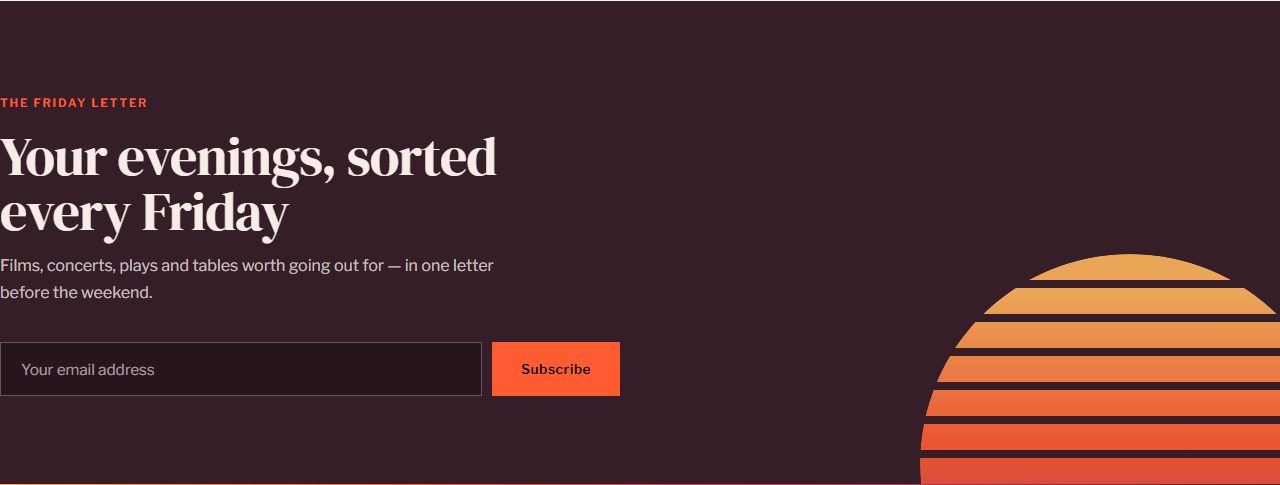
A footer worth scrolling to
Your description and social links, your topics, your secondary navigation, then your publication's name in giant italic letters filled with the colors of the sunset.
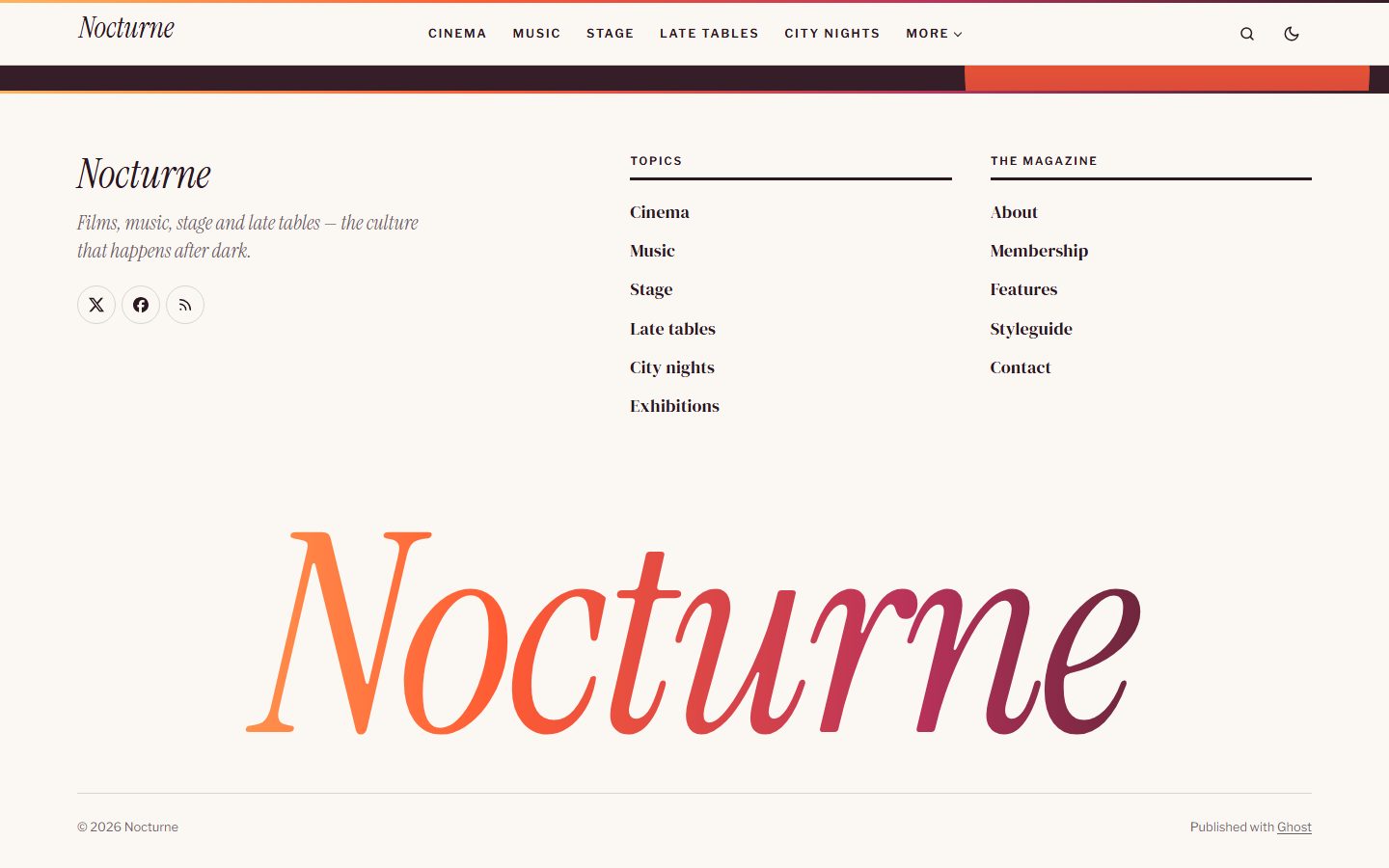
Paper or cassis
Vesper is printed on off-white paper by default, with cassis bands for the agenda, the quote and the newsletter, and also comes in a deep cassis scheme for the night. Choose Light, Dark or Auto, and readers can switch at any time.
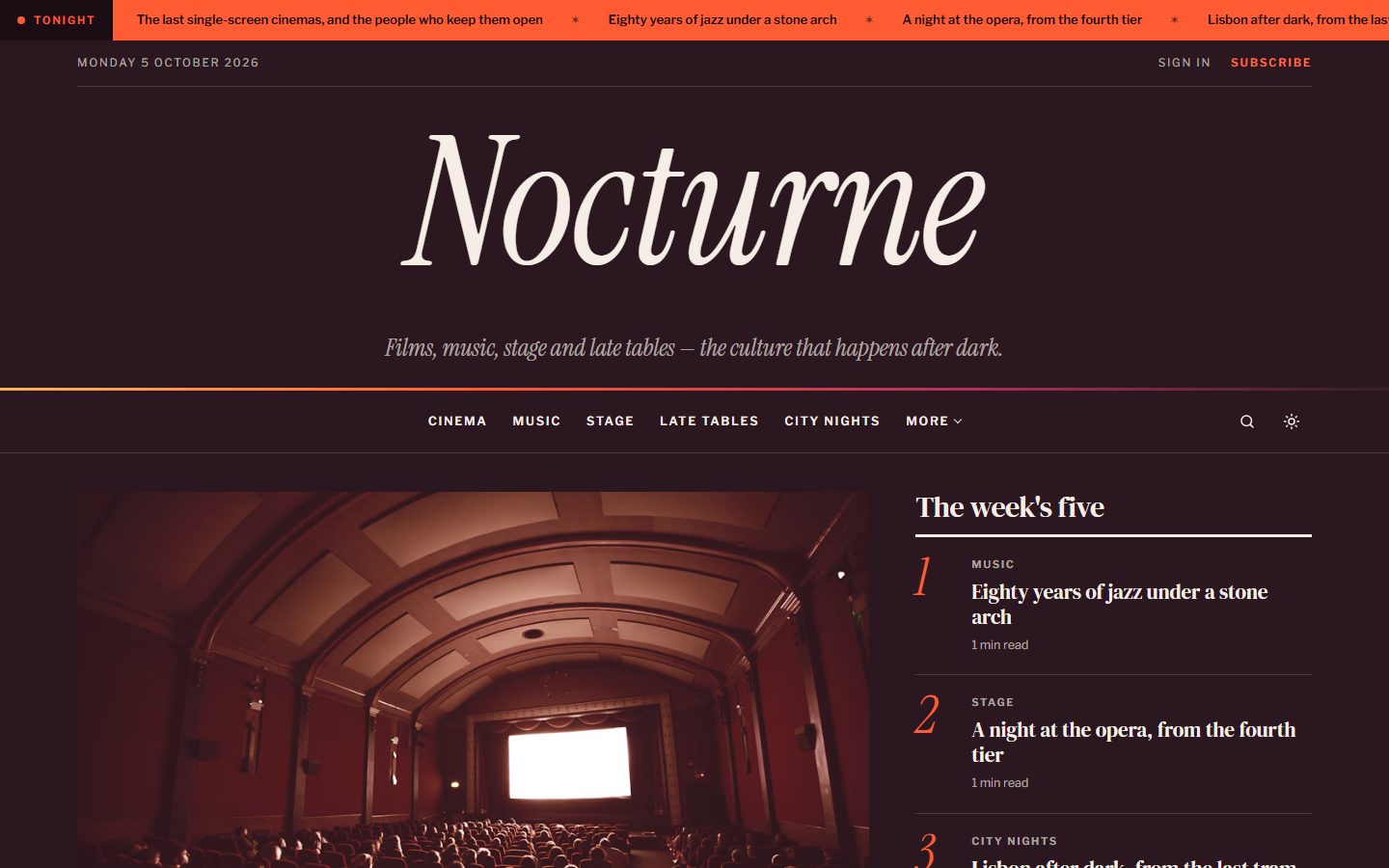
On every screen
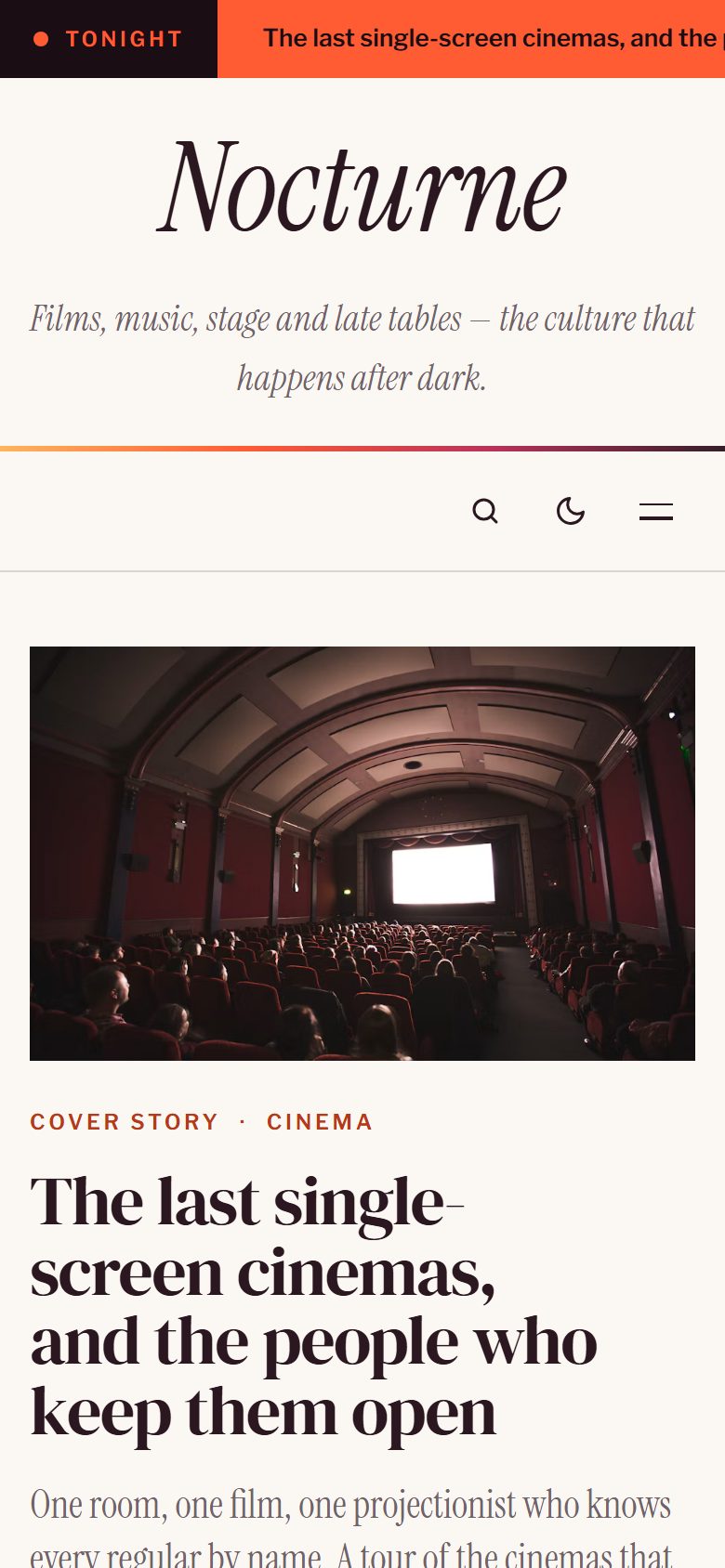
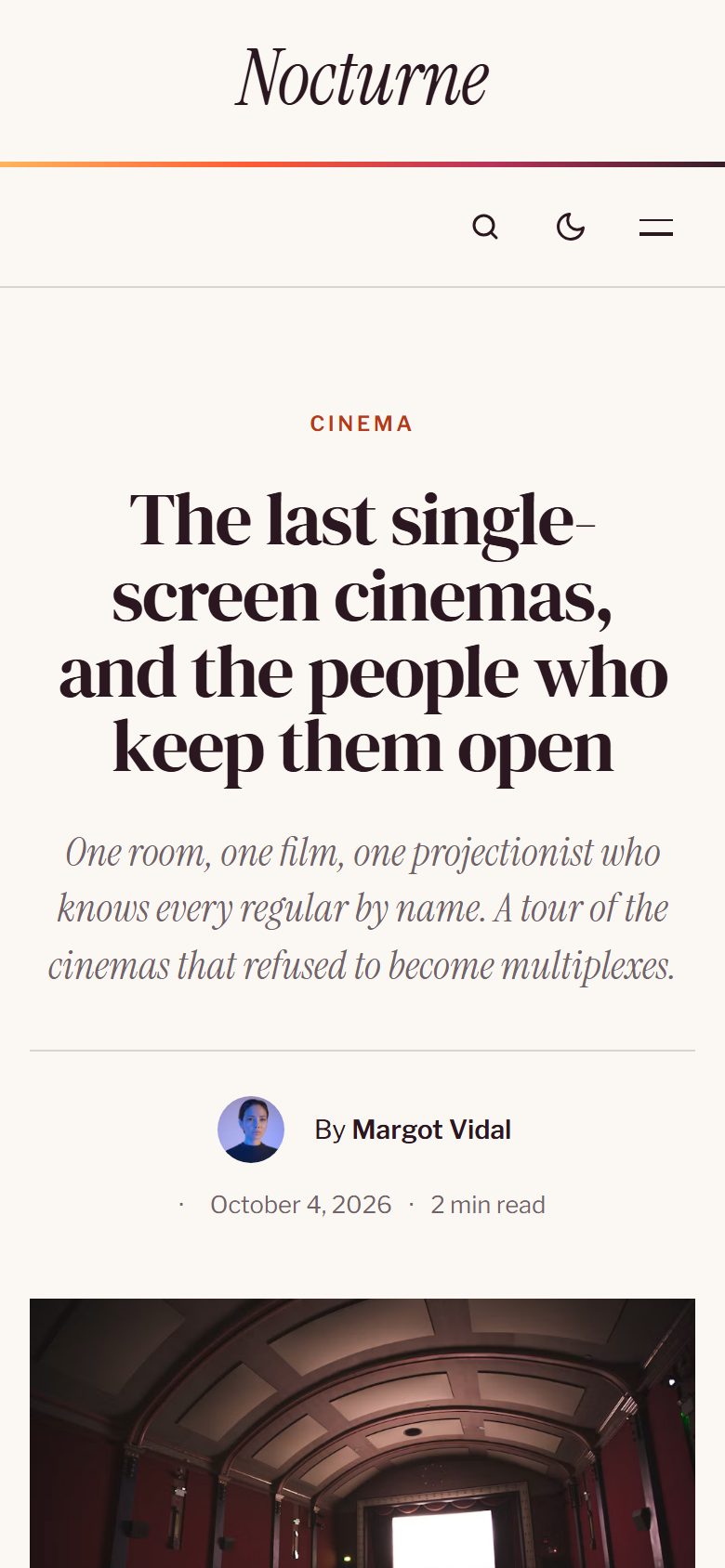
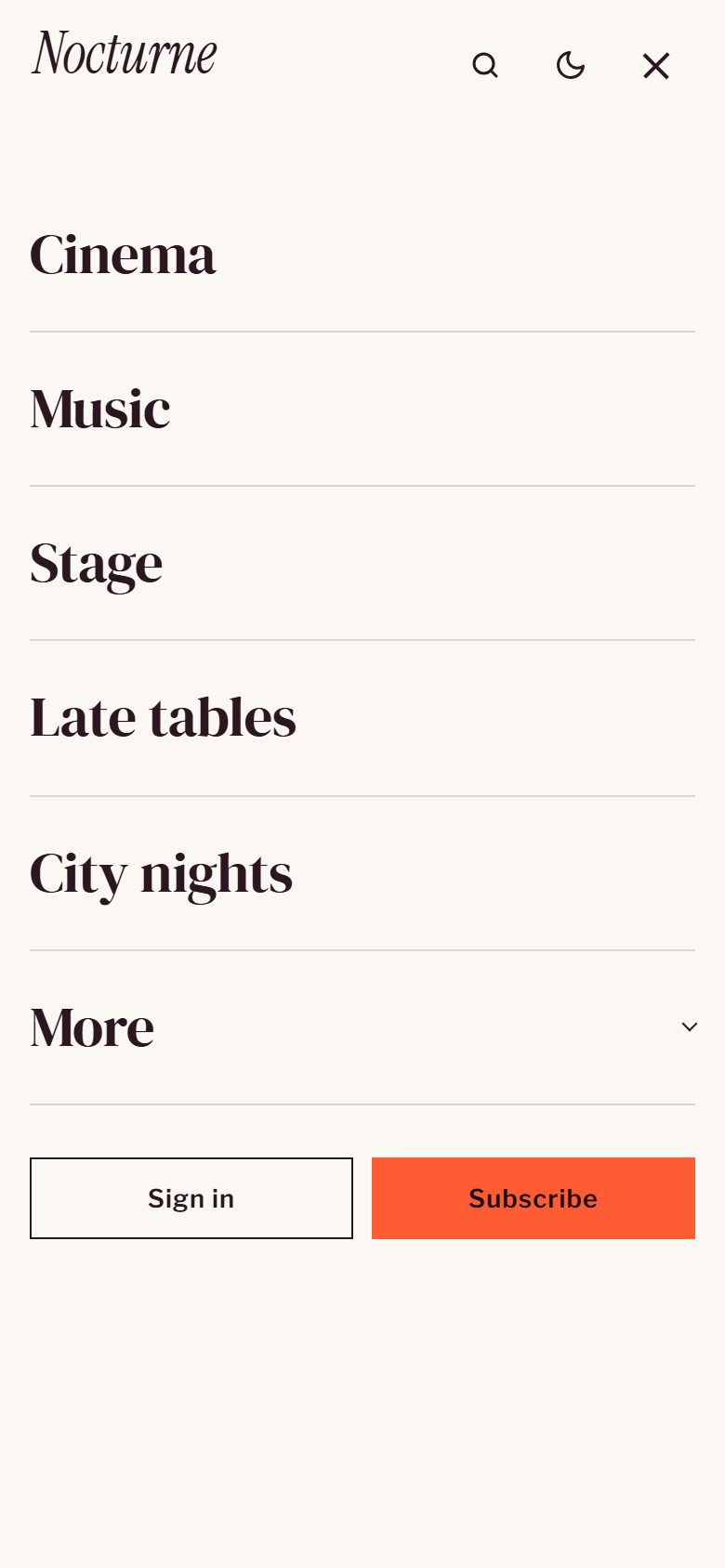
Theme settings
All options live in Settings → Design & branding.
- Homepage sections: headline band, cover story, top five, agenda, topic in three columns, quote and latest stories, each switchable on or off, plus the newsletter on every page.
- Words: band label, top five and agenda headings, newsletter heading and text.
- Color scheme, a logo for the dark scheme and duotone images.
- Other social links next to Ghost's own social accounts, and a table of contents on long articles.
Everything Ghost offers
- Members, free and paid subscriptions, members-only stories.
- Newsletter signup connected to Ghost, native search, comments.
- All editor cards, shown on the Styleguide page.
- SEO metadata, responsive images and a fully translatable theme.
- Every animation is turned off for readers who prefer reduced motion.